Linear city or heritage walk
Use an ordered route when most visitors enter at the same point and move through stops in sequence.
See city tourism routesSelf-guided audio tours
Turn a city walk, heritage route, attraction, or outdoor trail into an audio experience visitors reach by phone. They call a published number, listen at each stop, and keep exploring without an app download or loan-device desk.
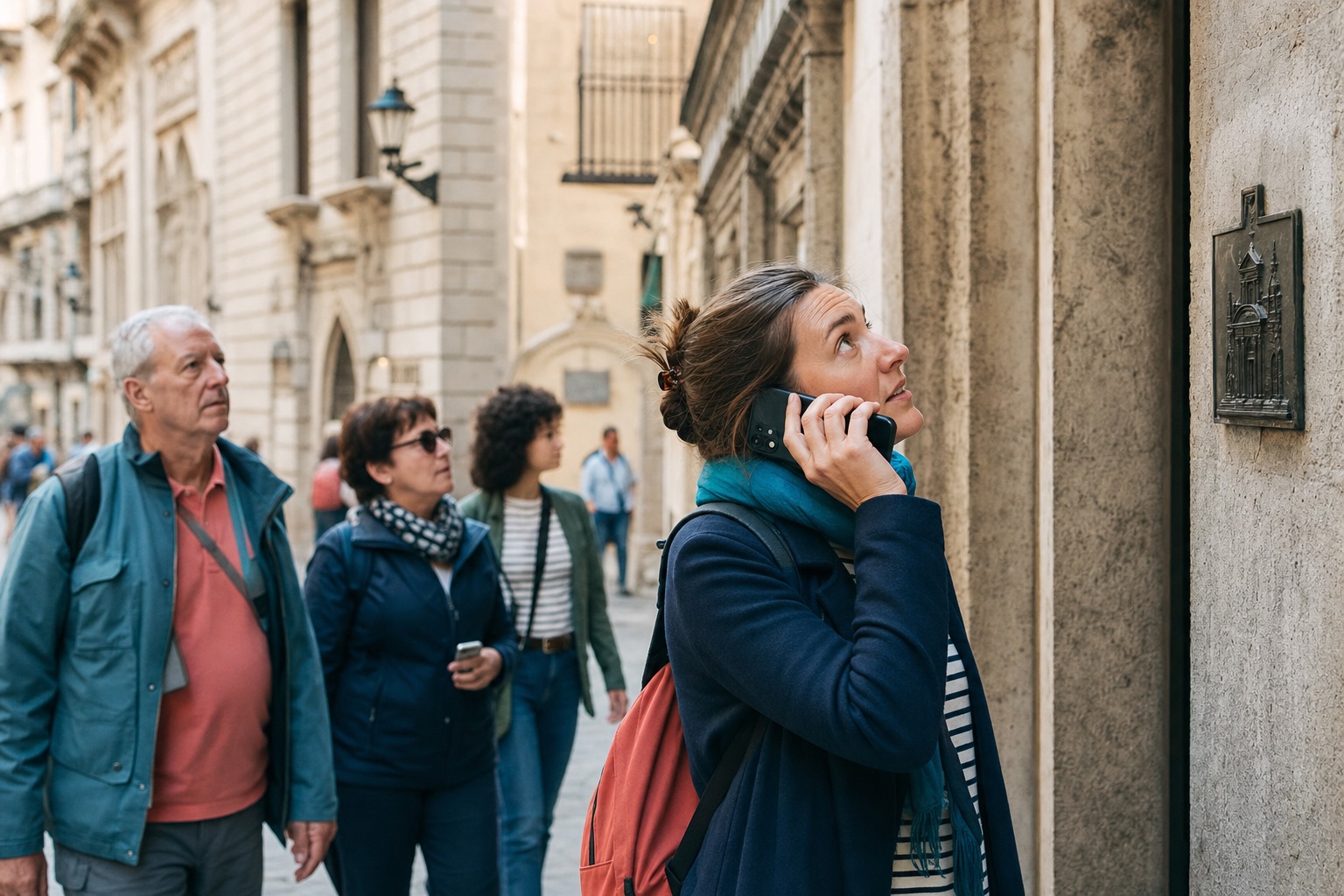
In a nutshell
A self-guided audio tour lets people explore at their own pace while hearing stories tied to the place in front of them.
VoxiGuide is a phone-based self-guided audio tour system for museums, city tourism teams, heritage routes, attractions, and outdoor trails. Visitors call a published number and listen as they explore, avoiding an app download or rented device. Venues can choose sponsor-funded access or an ad-free subscription, subject to market-specific call setup and charges.
Route planning
Mark where people arrive, pause, look up, and choose a direction. Those moments show where audio earns attention and where a short instruction matters more than another story.
Use an ordered route when most visitors enter at the same point and move through stops in sequence.
See city tourism routesLet visitors choose rooms, exhibits, viewpoints, or themes when there is no single correct path.
See attraction use casesMake every marker understandable on its own when people can join a park, trail, or scenic route from several points.
See outdoor routesThe U.S. National Park Service recommends choosing interpretive media around the message, audience, and available resources. Its wayside-planning guidance also stresses site-specific interpretation and direct observation of visitor-use patterns. The practical lesson for a phone tour is simple: walk the route before you script it.
Visitor flow
Visitors should understand the invitation at a glance: spot the number, call, choose a stop, and listen while the place stays in view.
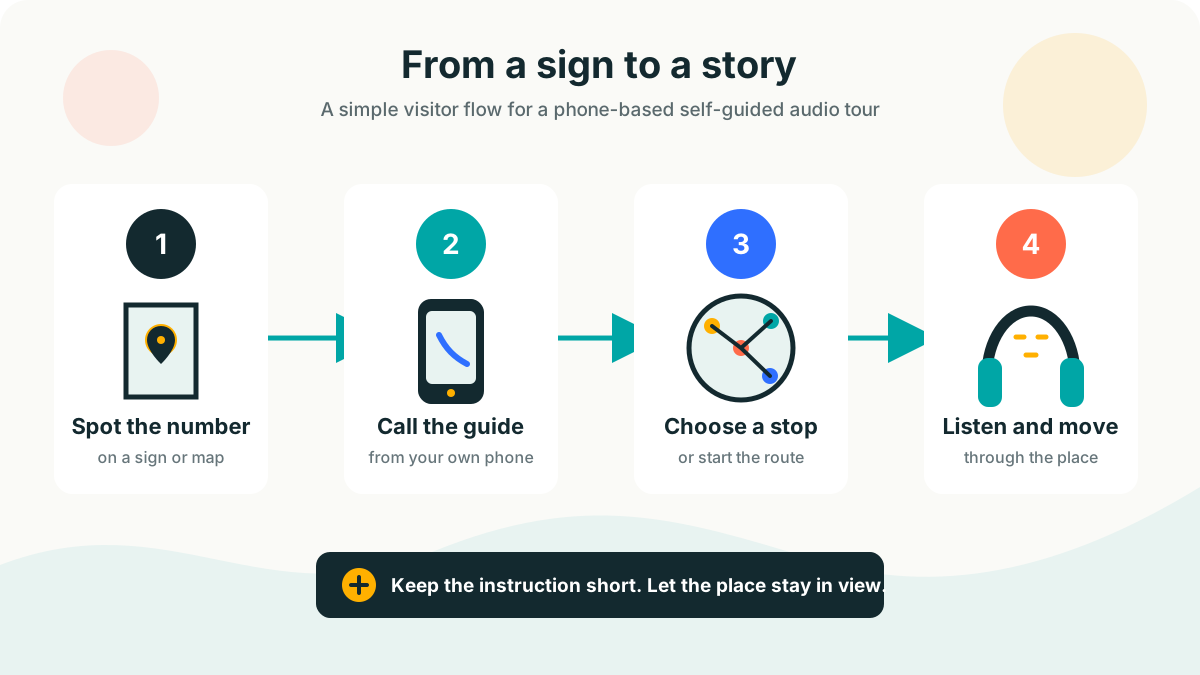
From sign to story
The full VoxiGuide setup flow connects your existing content and visitor touchpoints to the phone experience.
Mark where people arrive, pause, look up, and choose a direction.
Give every stop one interpretive job and one clear location cue.
Use direct language, pronounceable names, and a reason to look back at the place.
Show the guide number and next action where visitors actually need them.
Test with people who did not help create the route, then trim what slows them down.
Bring what you already have
If your team is still choosing a format, read what an audio guide is and compare the main access models first.
Stop-by-stop content
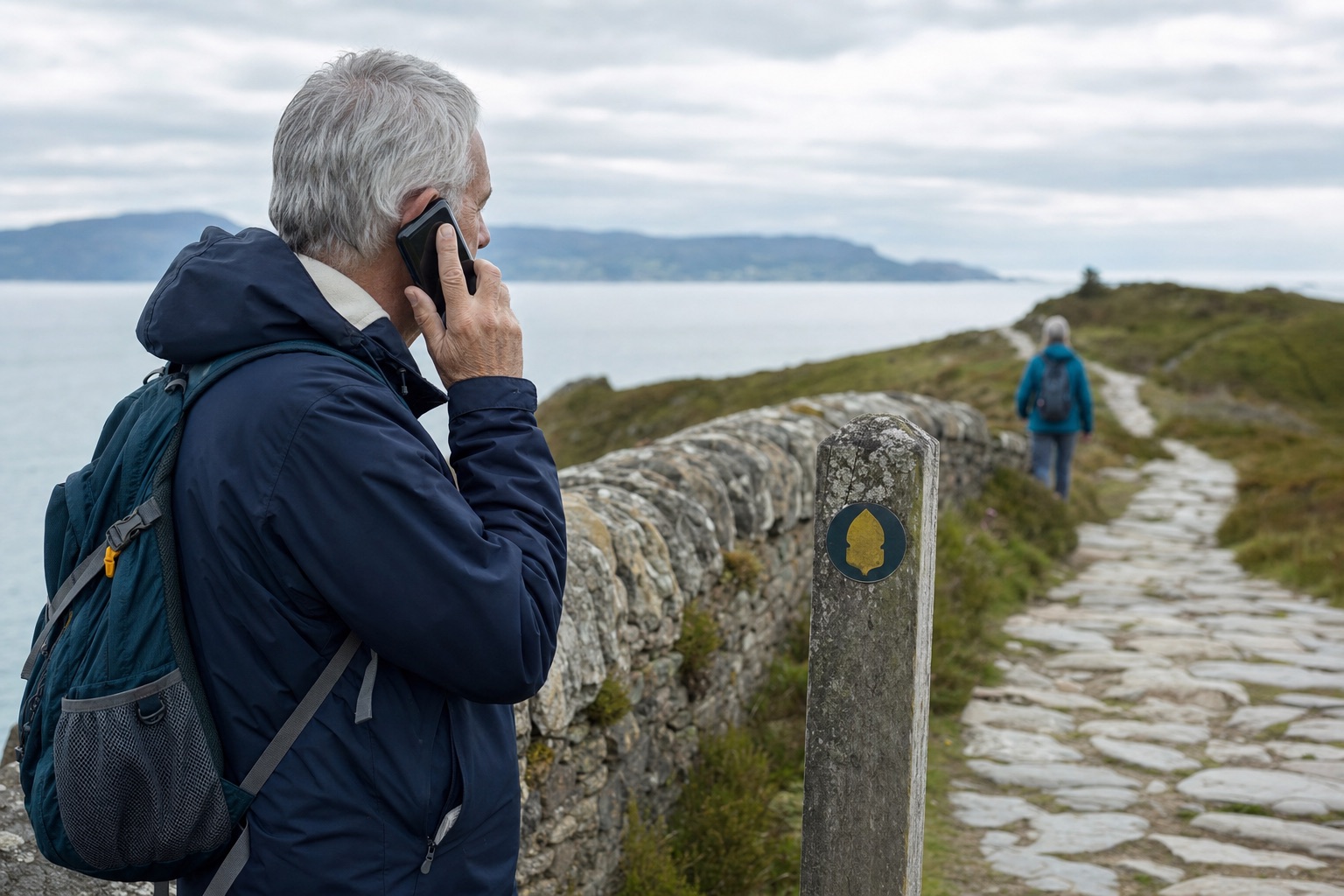
Write for the person standing in the place, not for someone reading a catalogue at a desk. Start with the detail they can notice now, add the context they cannot see, then give them a cue to look up and continue.
National Park Service wayside-writing guidance favours plain English, active verbs, and a strong connection between the words and the immediate view. It also warns against trying to interpret everything at once.
Access and practical limits
A call can remove the app-store, account, and loan-device steps. The wider experience still needs clear signs, physical access, readable alternatives, and a route review with qualified accessibility guidance.
For prerecorded audio-only content published on the web, W3C guidance on WCAG Success Criterion 1.2.1 calls for an alternative that presents equivalent information. A transcript can support that requirement, but it does not by itself certify the whole tour as accessible.
Confirm before launch
Funding
The visitor experience comes first in both models. The difference is who pays and whether sponsor messages appear.
Short, clearly separated sponsor messages help fund the guide. The venue defines suitable categories and approves the tone before launch.
See the advertiser modelThe venue pays a subscription and sponsor messages do not play. Fixed public rates are not listed because the setup depends on the route and requirements.
Compare pricing and plansFAQ
No. Visitors call the guide number published by the venue and listen from their phone.
That depends on the number type, market, and visitor's phone plan. Confirm the setup and state any normal call charges clearly on signs and visitor information.
A phone call needs available voice service. VoxiGuide removes the app-download and Wi-Fi setup steps, but it does not remove the need for a working phone connection.
Language and routing needs should be scoped with VoxiGuide before publication. Do not promise a particular language list until the call flow is confirmed.
No-app access may reduce one barrier, but it is not the same as audited accessibility compliance. Review the route, signs, audio, transcripts, physical access, and alternative formats with qualified accessibility guidance.
The venue defines suitable sponsor categories and approval rules. If sponsorship does not fit the setting, use the ad-free funding path.
Tell us about the place, the stops, the content you already have, and the funding model that fits your visitor experience.